
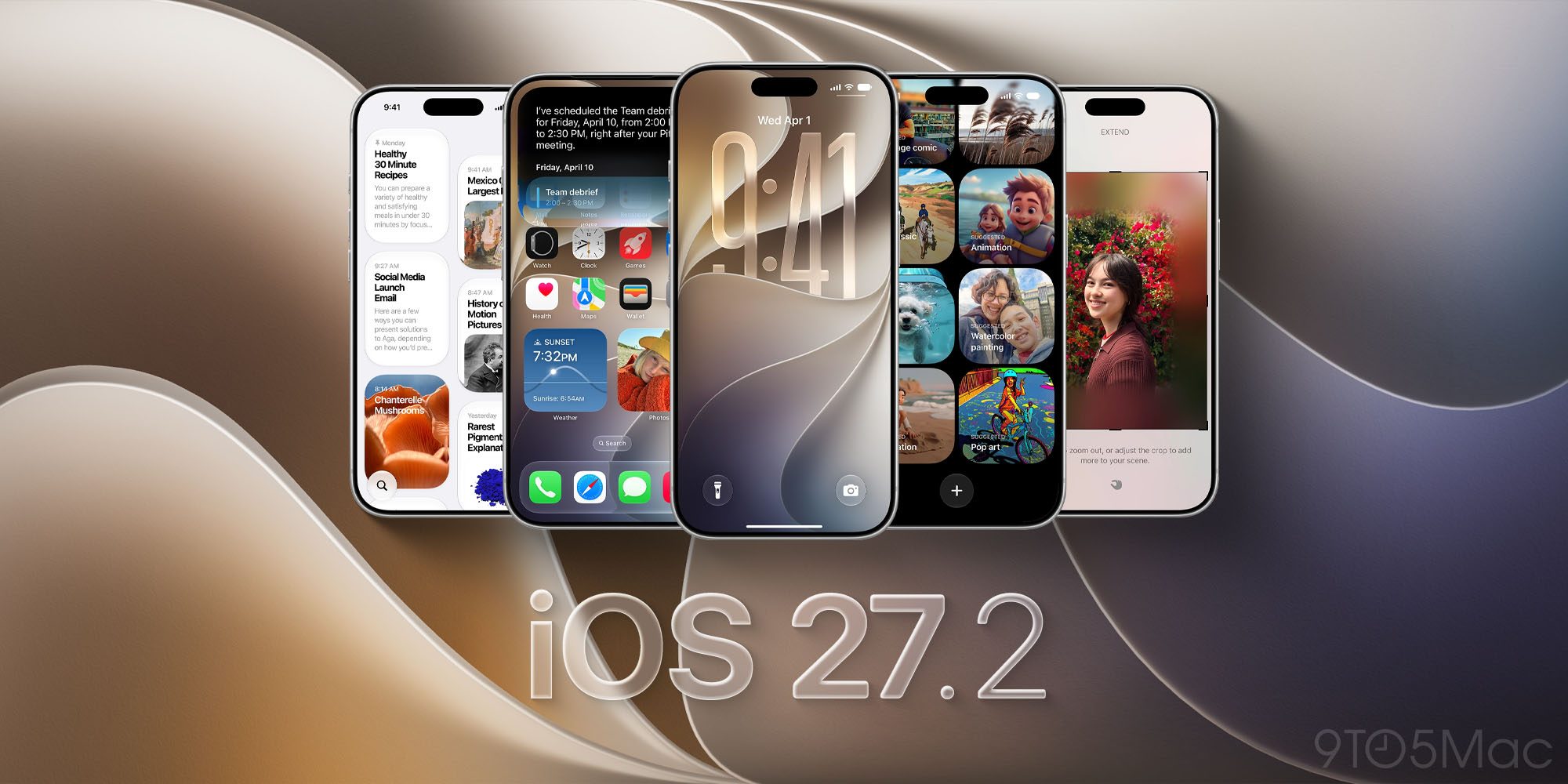
Apple has officially released iOS 27.2 for iPhone. The update brings a new look to Apple Music, more Siri AI languages, changes to Messages and Podcasts, and Apple Pencil support for iPhone Duo. Here’s what’s new.
Release notes
Here’s what we’ve seen from testing as well.
Apple Pencil support for iPhone Duo
iPhone Duo gains support for Apple Pencil with iOS 27.2. Apple originally announced the feature as coming later this year, and it’s arriving with this update.
There is one detail to keep in mind: iPhone Duo works with Apple Pencil (USB-C). Apple Pencil Pro and other Pencil models aren’t supported. More on Apple Pencil support.
Apple Music gets a new look
Apple Music has a new black-and-white app icon that replaces the familiar red design. Inside the app, blue replaces red as the accent color for the selected tab. Apple has also refreshed Music widgets with black backgrounds. More on the Apple Music changes.
Messages, Podcasts, and Apple TV updates
Messages gains Suggested Actions, which offer shortcuts based on the conversation. A message about plans, for example, can include an option to create a calendar event or reminder. Settings also lets you control which types of suggestions appear.
Apple Podcasts separates new episodes from episodes you’ve already started. New Episodes and Continue Playing give each category its own place on the Home tab.
The Apple TV app also adds profiles on iPhone, letting users keep their viewing history and recommendations separate. More on the app updates.
More Siri AI languages and Group FaceTime Dual Capture
Siri AI adds support for French, Japanese, Korean, Portuguese, and Spanish.
Meanwhile, Dual Capture expands to Group FaceTime. The feature lets you share views from the front and rear cameras simultaneously. More on these additions.
New Home controls
The Home app adds Lock After Closing and Door Left Open options for compatible smart locks. These let you automatically lock a door after it closes or receive an alert if it stays open too long. More on the smart lock features.
HomePod owners also gain a Lock Controls setting after updating both their iPhone and HomePod to 27.2. This prevents unwanted taps from starting audio, while preserving touch responses for features like timers and alarms. More on HomePod Lock Controls.
What about the new Health app?
Apple’s redesigned Health app appeared in earlier iOS 27.2 betas, but Apple removed it before release. The upgrade is still planned for later this year. More on the Health app release timing.
You can install iOS 27.2 by opening Settings > General > Software Update on your iPhone.
Do more with your Apple products
AirPods 5 | Apple’s newest wireless headphones
Apple AirTag 2 | Add Find My tracking to keys, bags, bikes, more
AirPods Pro 3 | Apple’s best wireless headphones
Wireless CarPlay Adapter | No more plugging in required
Beats USB-A to USB-C Cable | The official CarPlay cable
